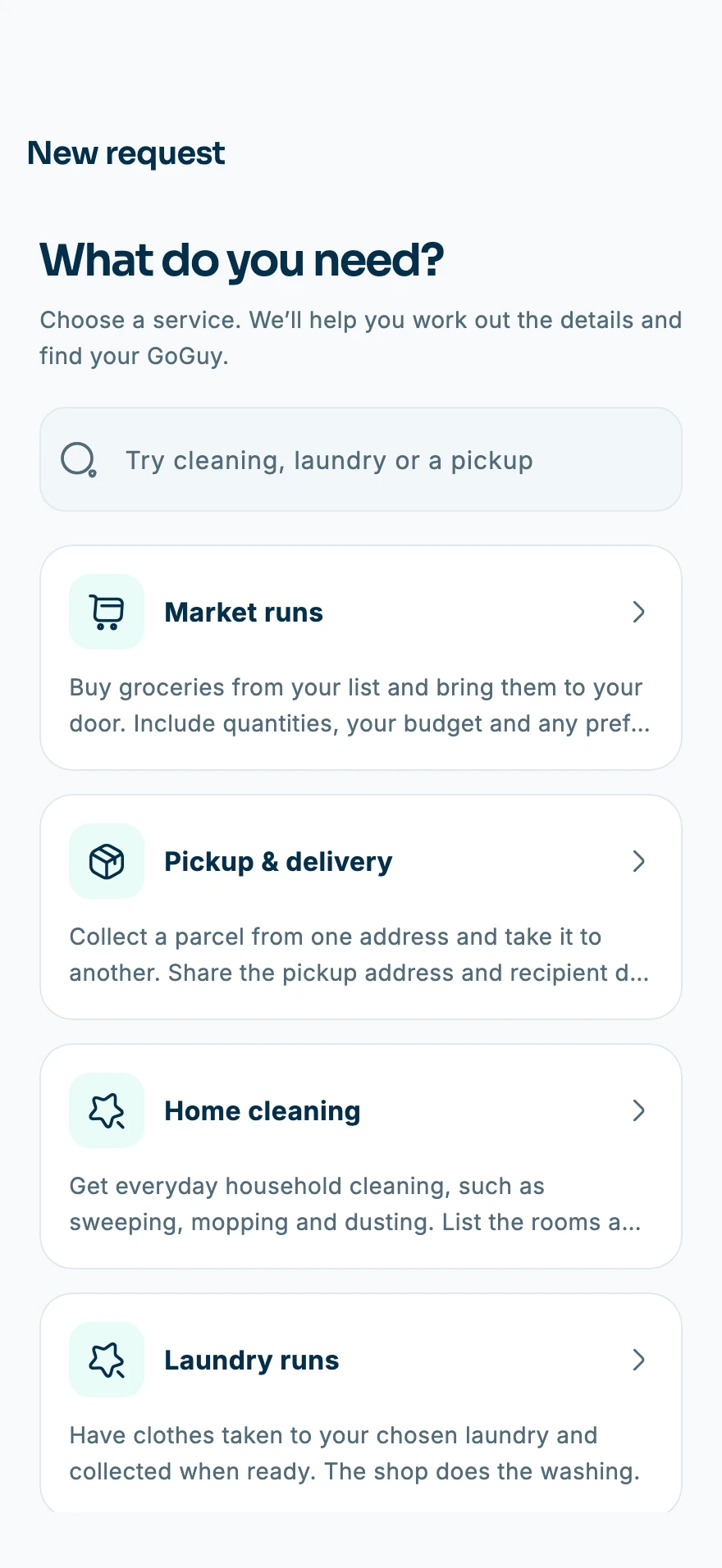
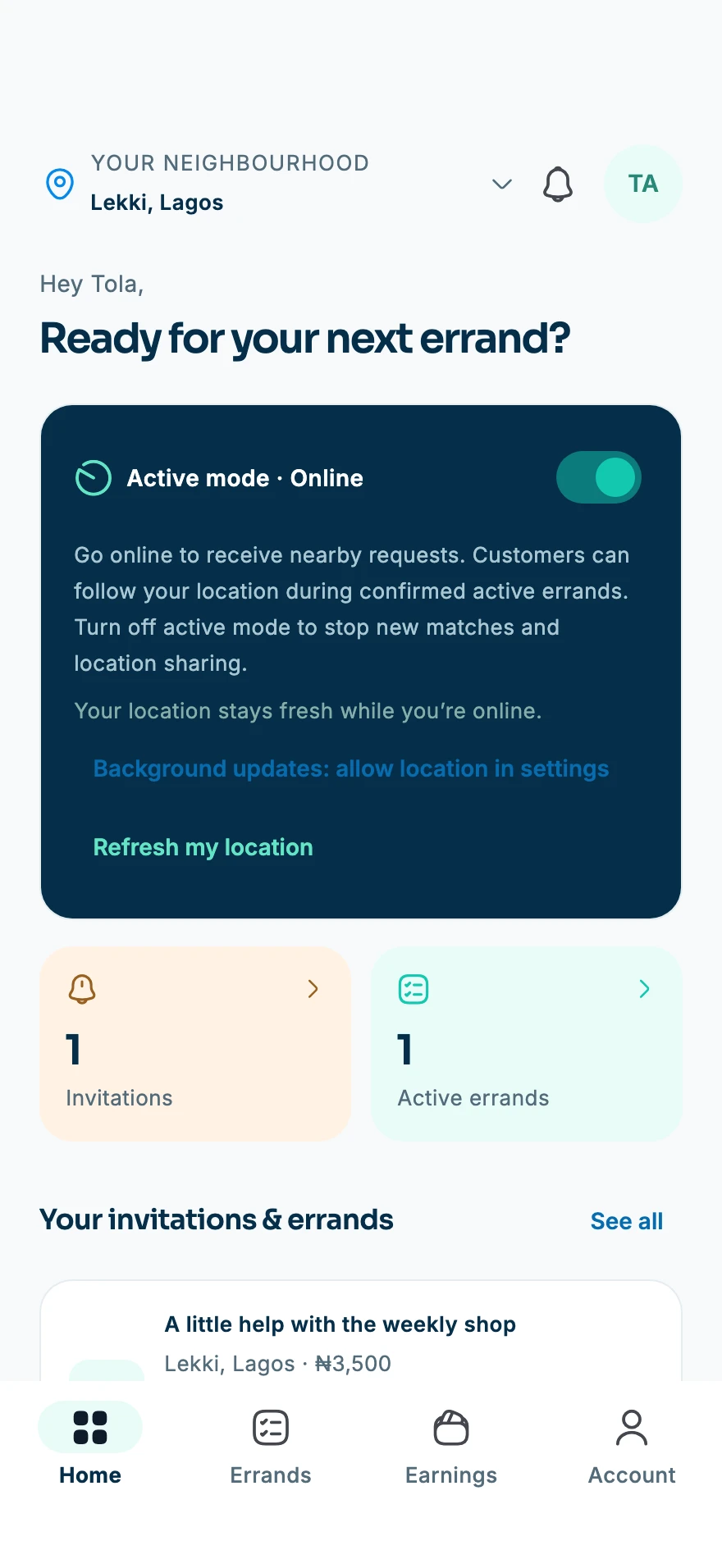
Use the store buttons to find the app for your phone. Once installed, set up the details that help you arrange work and stay in touch.
SET UP
Make your account yours.
Use contact details you can access and keep them current. Protect the account with your own sign-in information.
Read the Terms of Use and Privacy Policy.
Check your account details.
Keep passwords and verification codes private.
CHOOSE
Decide how you want to start.
Need help with your list? Begin with the services. Ready to offer your skills? Complete the GoGuy setup and applicable checks.
Customers: describe the work and timing.
GoGuys: choose services that fit your skills.
Check availability in your area.
STAY CONNECTED
Review your phone settings.
Notifications and location permissions support different parts of the experience. Review the explanations in the app before granting access.
Allow the notifications you want to receive.
Manage location access in phone settings.
Keep the app updated through your store.
ONE APP. TWO WAYS TO GET STARTED.
Find your helping hand. Or be one.
Create your account, add your details and choose how you want to use ErrandBwoy. Customers can look for practical help; GoGuys complete onboarding before accepting work.
Looking for help?
Browse services and describe the work you need done.
Ready to offer your skills?
Choose services you can do confidently and complete the required checks.
Make it work for you
Manage notifications and location permissions in the app and phone settings.
Yes. ErrandBwoy supports people looking for help and people offering services. GoGuys complete onboarding and applicable verification before accepting work. Read the GoGuys page for more about preparing to offer your skills.
Why does the app ask for location?
Location supports nearby services and matching. For GoGuys, background access can support online availability and consented active-task tracking. The app explains permissions, and you can manage them in phone settings. The Privacy Policy describes these uses in detail.
What if I need help before my first task?
Visit the help page for account, permission and errand guidance. If you contact support, include a clear description and your device or account details where relevant. Never share a password or verification code.